
If you've asked around about WordPress website development in Ossett, you've probably heard strong opinions both ways. Some people swear by it, others say it's a security nightmare. The truth sits in the middle. WordPress is a flexible, well-supported system that suits lots of small businesses, as long as it's built properly and looked after.
Ossett is just down the road from our Wakefield hub, and we work with businesses across the area. Here's our honest take on when WordPress makes sense.
What WordPress is good at
- Letting you edit text, photos and pages yourself without touching code
- Growing with you: adding a blog, a new service page or a product range is straightforward
- Working with lots of tools, from enquiry forms to online shops
- Being widely known, so you're never locked in to one developer
Quick question
What's the biggest cause of WordPress websites getting hacked?
Planning WordPress website development in Ossett the right way
A good WordPress site starts with a plan, not a theme. Decide what pages you need and what each one should do. If you sell a range of products or services, give each its own page. That helps customers find exactly what they're after and gives search engines something specific to show when people search.
Real project · Building Supplies
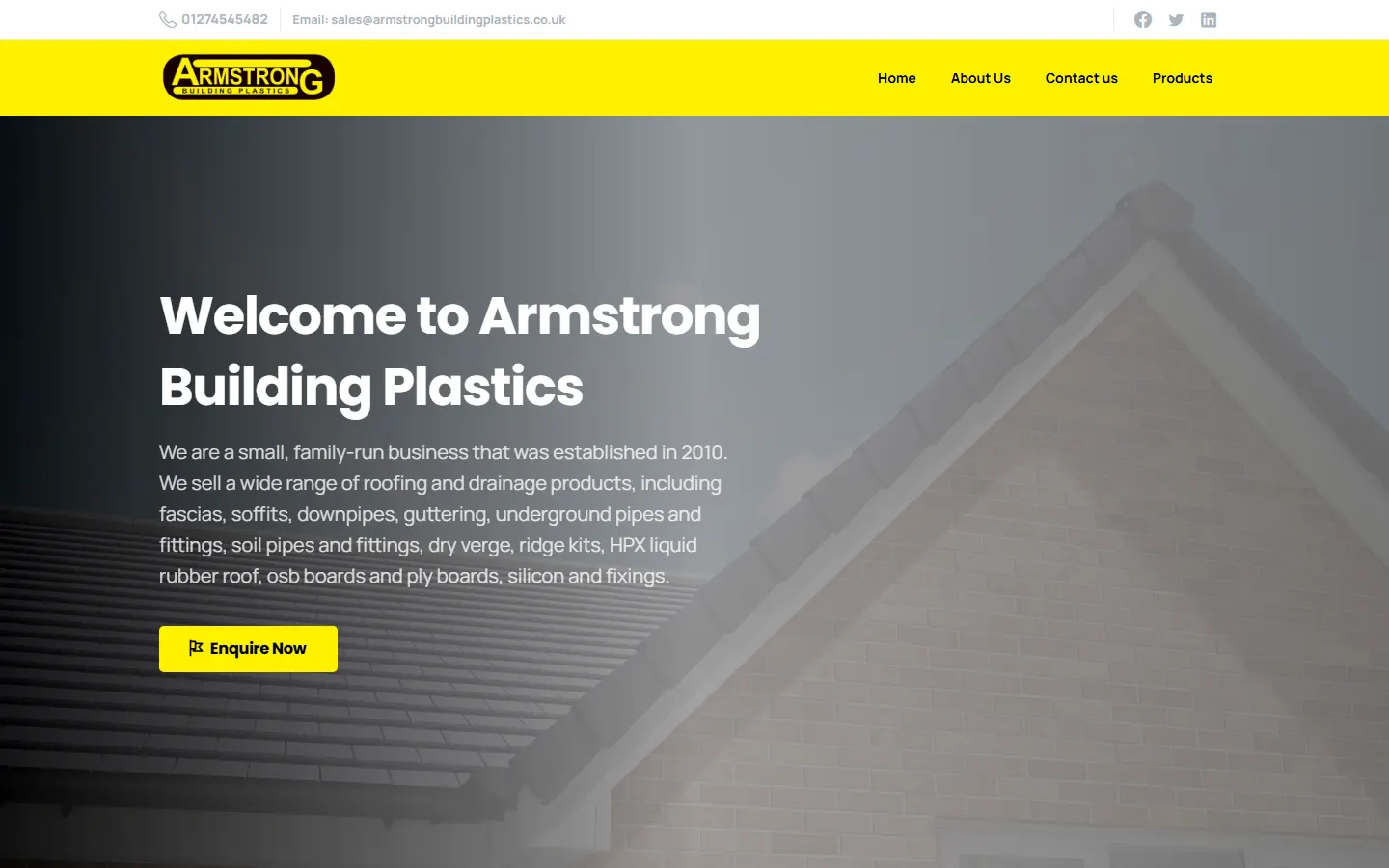
Armstrong Building Plastics
A WordPress website and branding for a family-run Bradford supplier of roofing and drainage products, with a page for every product range. Website, hosting, SSL and business email looked after by Doodle Hub Ltd since 2021.
Why it matters here: Armstrong Building Plastics is a family-run Bradford supplier of roofing and drainage products. We built a WordPress website and branding with a page for every product range, and we've looked after the site, hosting, SSL and business email since 2021.
Read the Armstrong Building Plastics case studyWhen WordPress might not be the best fit
WordPress isn't the answer to everything. If you need something very specific, like a custom ordering system or a customer portal, a bespoke build can be cleaner. And if you only need a single page to collect enquiries, a lighter approach may be simpler. A good developer will tell you honestly which suits you, rather than using the same tool for every job.
Before
- Cheap theme packed with features you don't use
- Dozens of plugins, several out of date
- No backups and no one checking security
After
- A lean build planned around your pages
- Only the plugins you really need, kept updated
- Regular backups, SSL and someone watching over it
Looking after your WordPress site
Whoever builds your site, agree who will look after it. That means updating WordPress and plugins, checking that forms still work, taking backups and renewing your SSL certificate. It doesn't take long each month, but it's the difference between a website that stays healthy and one that becomes a worry.
WordPress health check
0 of 5 doneIt's also worth thinking about who will add content after launch. If you plan to write blog posts, add new products or update prices yourself, ask for a short walkthrough when the site is handed over. Ten minutes of guidance saves a lot of guesswork, and it means you'll actually use the editing tools you've paid for.
And don't forget the basics that sit around the website: your domain name, business email and SSL certificate. Keep a note of where each one is registered and when it renews. Plenty of website problems turn out to be an expired domain or certificate that nobody was watching.
Services mentioned in this article
Was this helpful?
Share this article